The app
Mouse and keyboard
Rulik isn't only for games: it's a handy way to control your PC from the couch.
Touchpad
The "Mouse & keyboard" layout is mostly a touchpad:
- Tap: left click.
- Two-finger tap: right click.
- Two fingers up and down: scrolling.
- Tap then hold: dragging windows and files.
Change the sensitivity in the touchpad's properties in the editor.
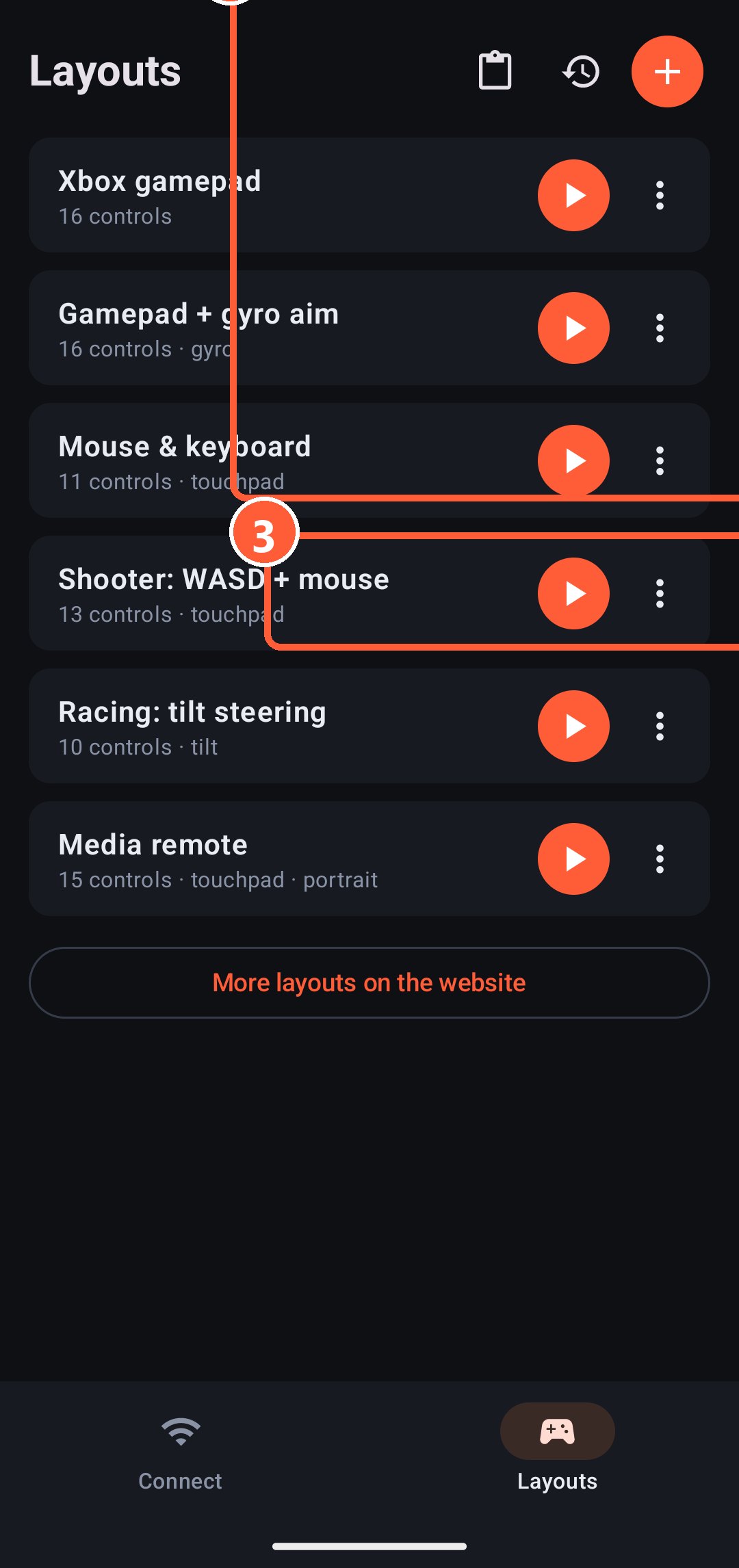
- 1Touchpad
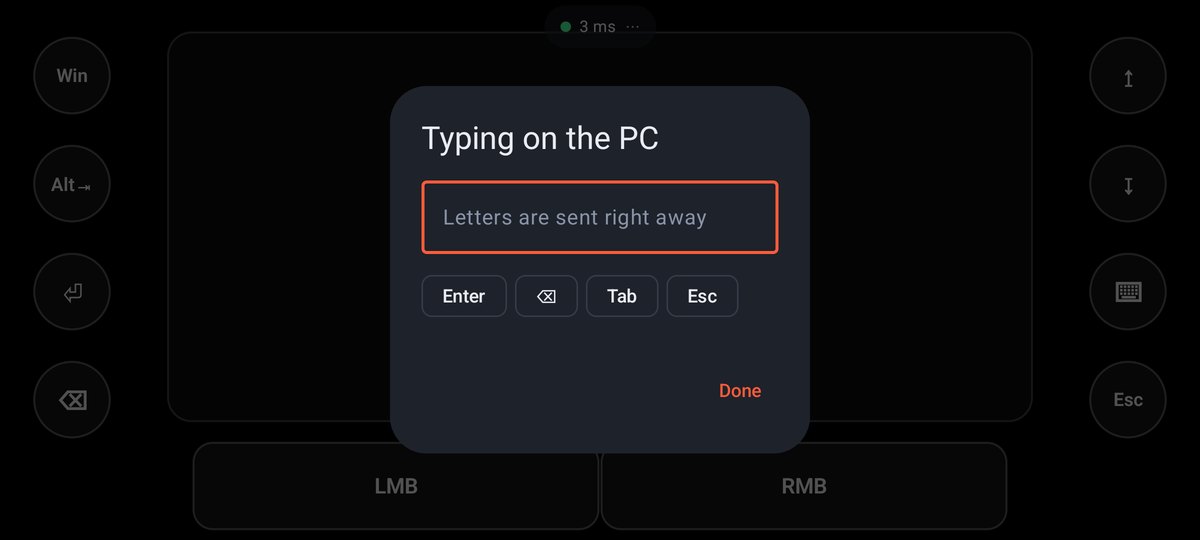
- 2Typing on the PC
- 3Left and right mouse buttons
Typing
A button with the "Open the keyboard" action brings up the phone's keyboard. Letters are sent to the PC right away as you type, so you can write in a browser, a messenger or a game chat.
PC sound
While the phone is connected, the Home tab has a "PC sound" card: the Windows volume slider, mute, quieter and louder, and player buttons. It controls the device that is playing right now: speakers or headphones.
To control the sound right from a layout, give a button a key from the Media group: Vol+, Vol-, Mute, ⏯, ⏭, ⏮.
Keys and combos
Any button can press a key or a combo of up to 4 keys: Alt+Tab, Win, Ctrl+C, volume and play/pause media keys. A ready-made movie remote is in the "Media remote" layout.