Problems
If it lags
Normal latency is 2–10 ms. Above 30, the network is in the way.
Network check
On the PC tab, press "Check the network". In 3 seconds the app measures the Wi-Fi signal, the band (2.4 or 5 GHz), the usual and the worst delay, and lost packets. Below the results it tells you what to fix: sit closer to the router, switch to 5 GHz, or play over USB.
For games the worst delay matters more than the usual one: if it goes above 40 ms in bad moments, controls will lag.
Check the ping
Turn on "Show ping while playing" in the app's settings. The number shows up in a corner of the screen while you play.
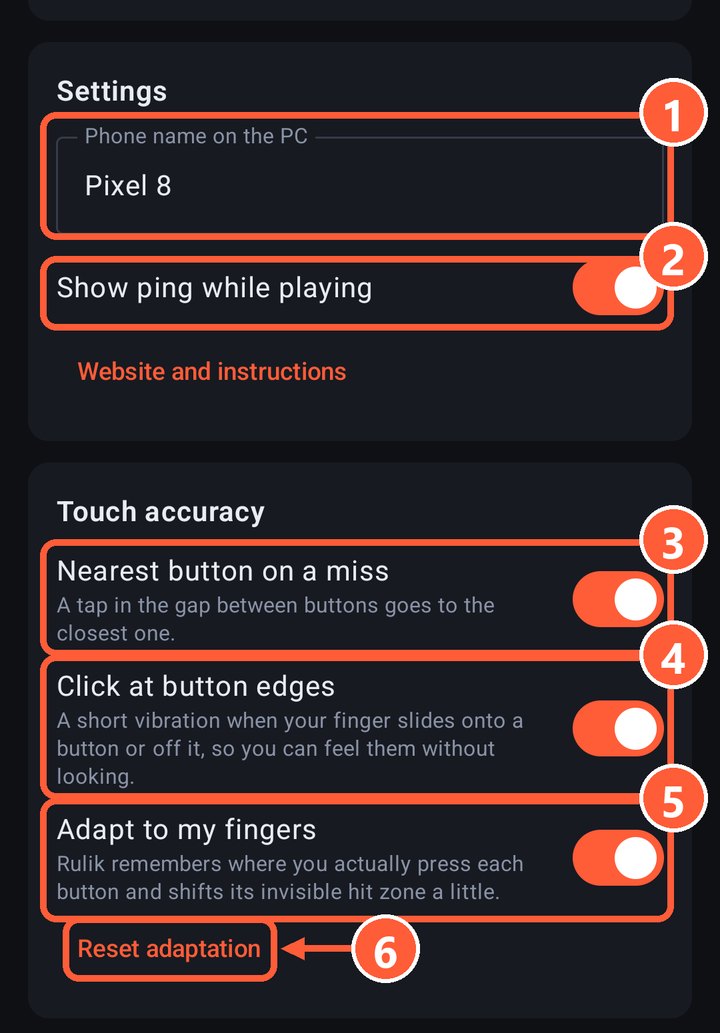
- 2Show ping while playing
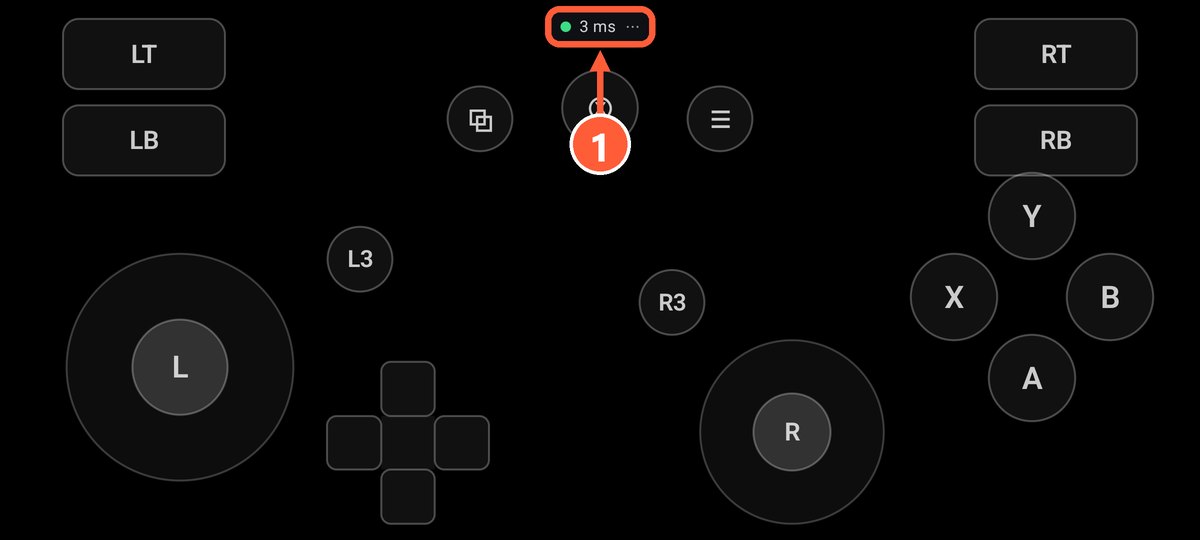
- 1The latency to the PC
- 2–10 ms: all good.
- 10–30 ms: playable, but noticeable in fast games.
- Over 30 ms: the network is in the way, see the tips below.
What helps
- Connect the phone to 5 GHz Wi-Fi and wire the PC to the router.
- Try USB tethering: a cable adds almost no latency.
- Turn off battery saver on the phone: it slows apps down.
- Close heavy apps and background downloads on the phone.
- Don't sit far from the router.
If the picture on the phone lags
When you play on the phone, video goes over the network too. If the picture stutters or freezes, lower the bitrate or the resolution: see picture quality.
Buttons won't get stuck
Even if a packet gets lost on the way, the phone resends the full button state four times a second. So on a bad network a button may react a bit late, but it won't stay pressed.