Rulik turns an Android phone into an Xbox gamepad, a mouse and a keyboard for your PC. And when the monitor is far away, the PC's picture and sound go straight to the phone, so you can play from the couch.
Free · no ads · Android 10+ and Windows 10/11 · Wi-Fi or cable
Two ways to play
Phone as a gamepad
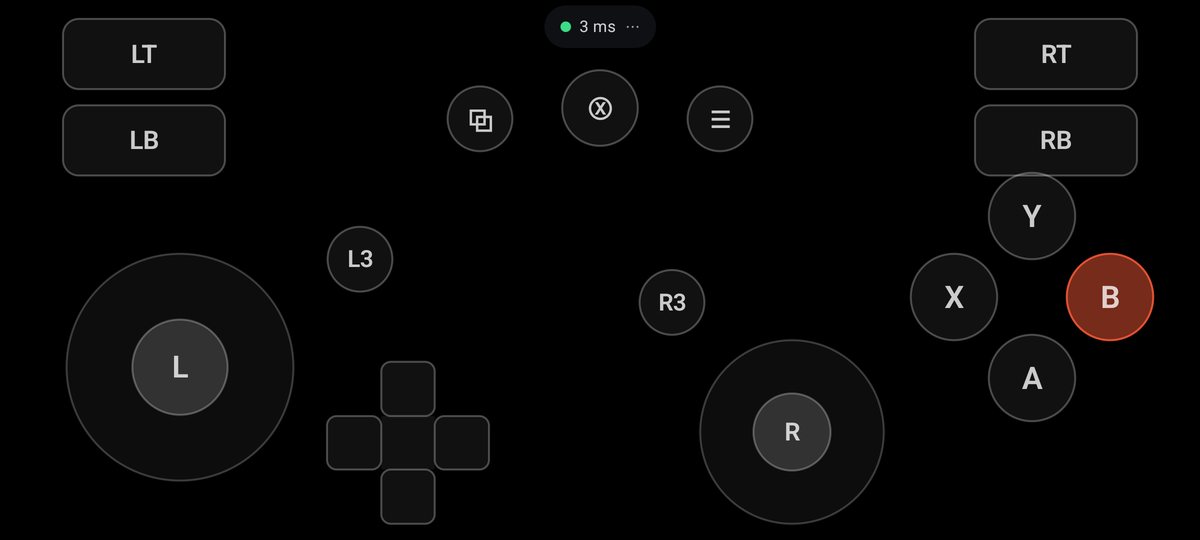
You look at the monitor, and the phone in your hands works as an Xbox gamepad, a mouse or a keyboard. The game thinks a real controller is plugged in, so it doesn't matter where you got it: Steam, Epic, GOG or a disc.
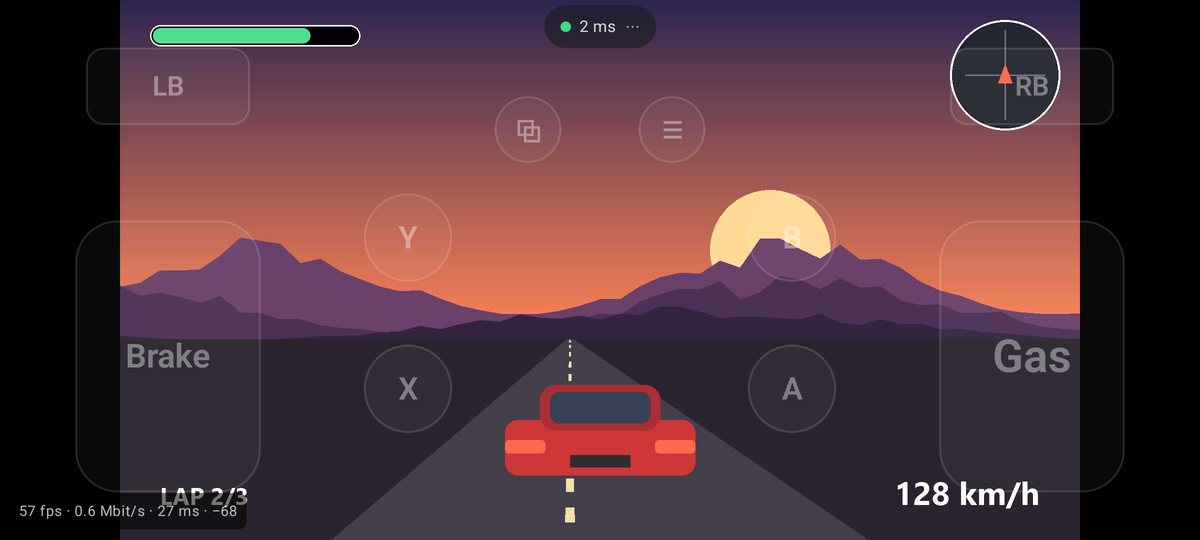
The PC's picture and sound go to the phone, with the layout drawn on top. The game runs on the PC, so the phone plays anything your computer can. The graphics card compresses the video, and latency over 5 GHz Wi-Fi is usually 20–40 ms.
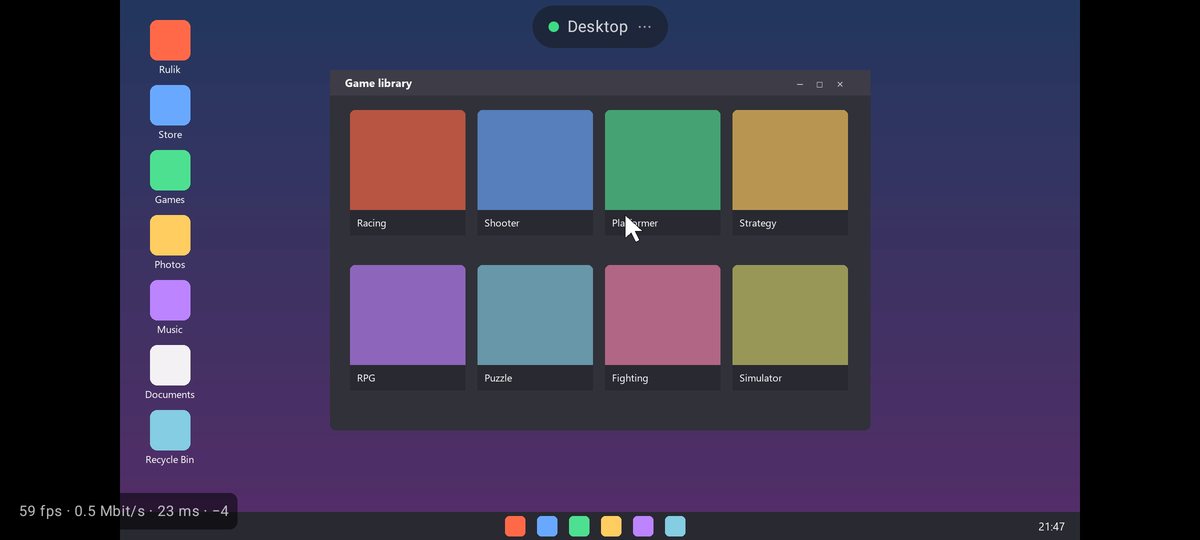
The computer's screen on the phone, controlled with your finger: tap to click, hold for right click, two fingers to scroll. Start a game or pause a movie without getting off the couch.
On-screen buttons can be bound to keys and the mouse. That covers strategy games, old games and anything with no gamepad support at all. No reWASD or JoyToKey needed.
Your own layouts
Buttons, sticks, D-pads and a touchpad. Drag them around, resize them, bind keys, combos and turbo.
Gyro and tilt
Gyro aiming like on the Switch, tilt steering for racing games and phone vibration from the game.
Wi-Fi or cable
A few milliseconds of ping over Wi-Fi. No Wi-Fi? Use a wire: USB tethering or adb.
Fewer misses
A tap next to a button goes to the nearest one, the phone clicks with vibration at button edges, and button zones adapt to your fingers.
Two players, one PC
Up to eight phones, each with its own gamepad. A stranger's phone on the network can't connect without the PIN.
Getting started
1
Server on the PC
Download rulik-server.exe and run it. No install needed, and it offers the gamepad driver by itself.
2
App on the phone
Install rulik.apk on Android 10 or newer. About 3 MB.
3
Connect and play
The phone finds the PC on the network by itself. Enter the PIN from the server window and pick a mode.