Play on the phone
Desktop
See the PC's screen on the phone and control it with your finger like a touch monitor. Start a game, pause a video or answer a chat without getting off the couch.
How to open it
Tap "Desktop" on the app's home screen. It needs the same Rulik Server 0.3.0 with ffmpeg as playing on the phone.
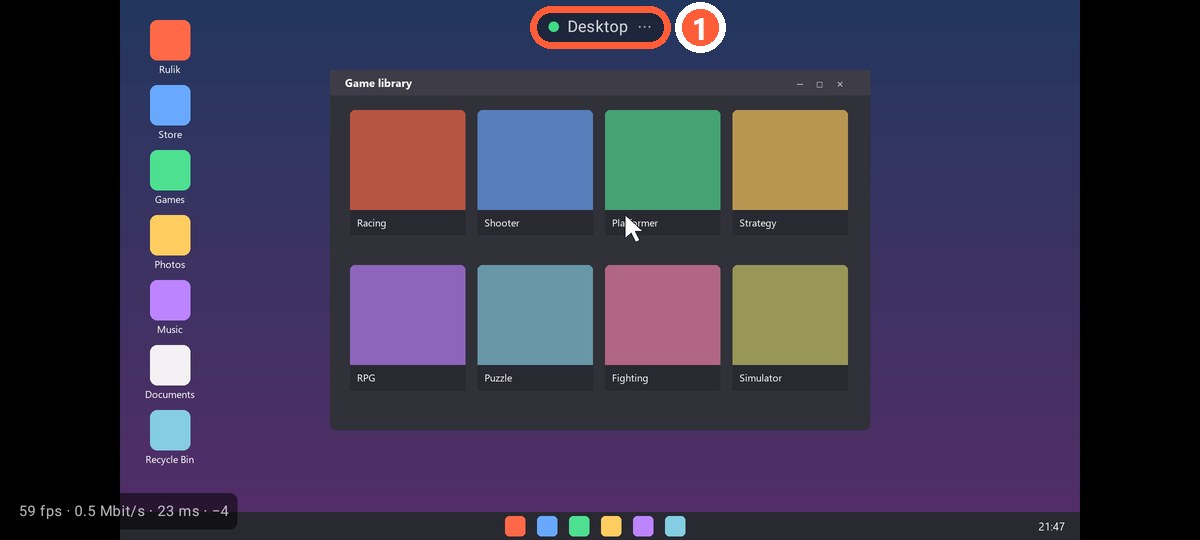
- 1Menu: keyboard and exit
Gestures
| Gesture | What it does |
|---|---|
| Tap | Left click at that spot |
| Hold for half a second | Right click, the phone vibrates briefly |
| Drag | Drag with the left button held: select, move a window |
| Two fingers up or down | Scroll the wheel |
| Two-finger tap | Right click |
The cursor jumps to where you touch: it's not a touchpad, your finger lands right on the point on the screen.
Text
The menu at the top has "Keyboard": whatever you type on the phone appears on the PC right away. Enter, Backspace, Tab and Esc are there too.
Several monitors
The main Windows monitor is shown. To use another one, make it the main display in the Windows display settings.